Template library
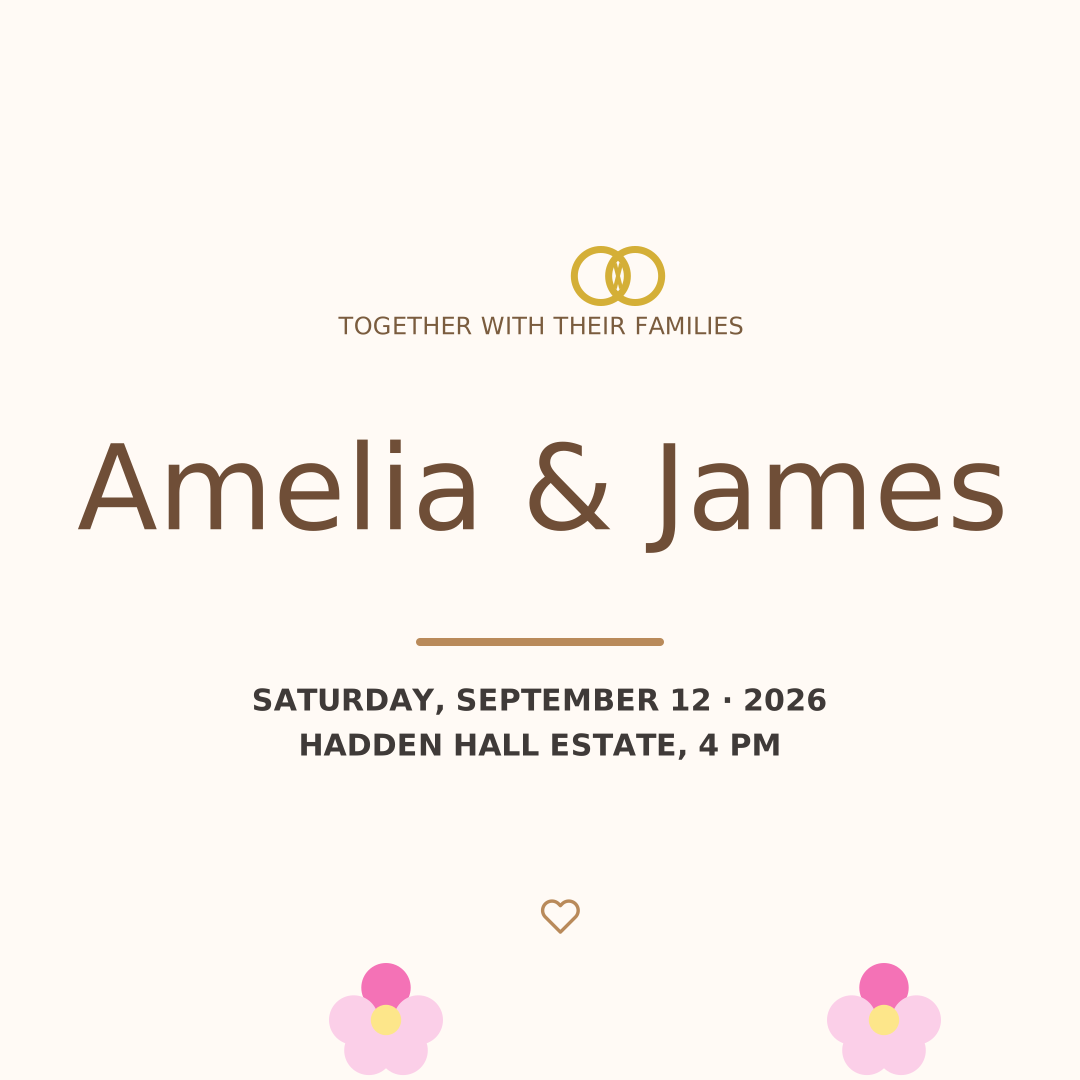
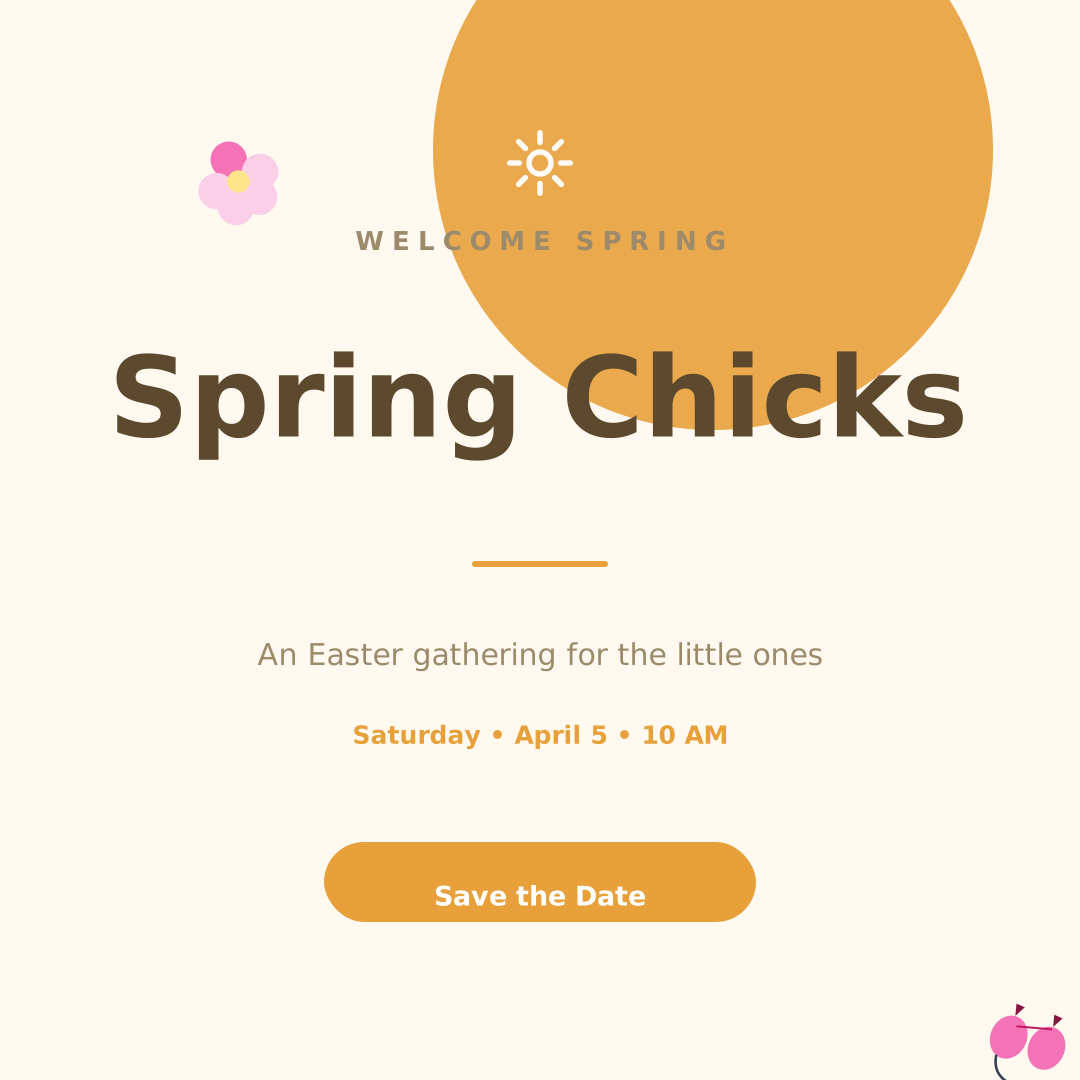
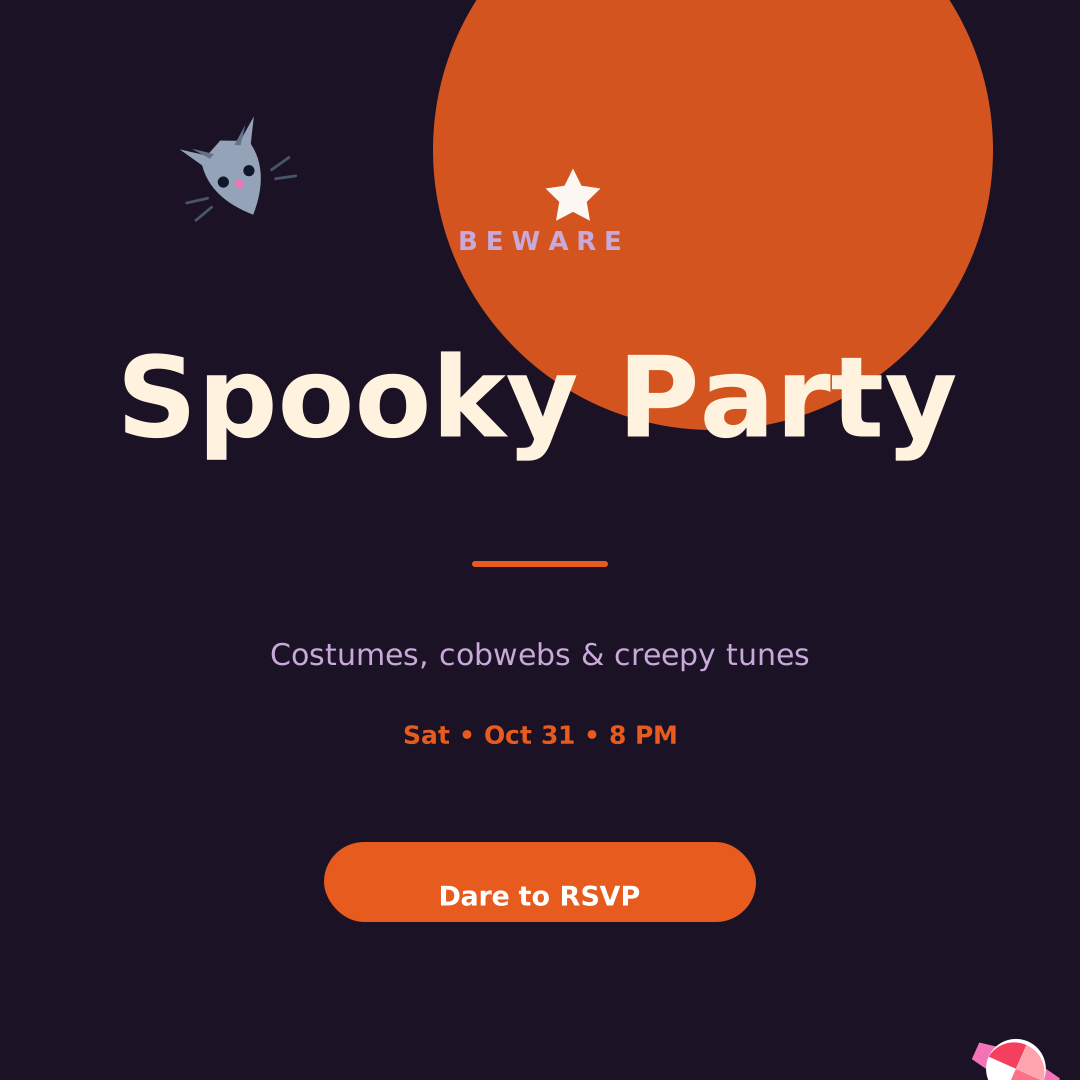
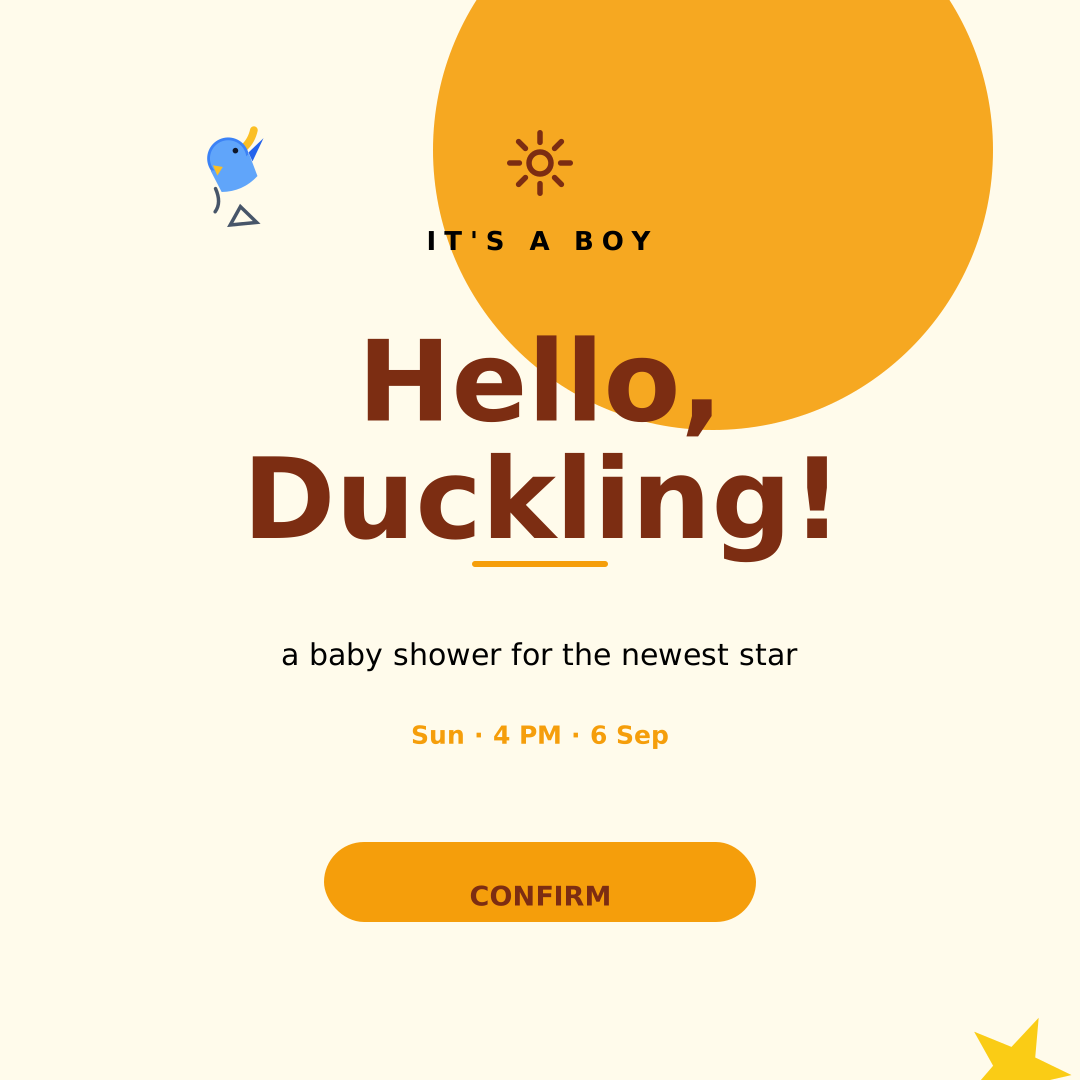
Start from a ready-made template
Skip the blank canvas — open any template in vedirea and make it yours in minutes.
Name your business and style, and AI suggests logo concepts — then fine-tune colors, fonts, and icons in the full editor.
Mention your business name, industry, and the feel — playful, premium, techy.
Review AI-drafted marks combining icons, shapes, and type.
Adjust colors and spacing, then download a transparent PNG.
Skip the blank canvas — open any template in vedirea and make it yours in minutes.
Yes — designs you create and export in vedirea are yours, including AI-generated logos you refine.
Yes — export a PNG with a transparent background so the logo sits on any color.
Join thousands of creators making beautiful work with vedirea. Free forever. No credit card.