Free Menu maker

Design menus that sell the special.

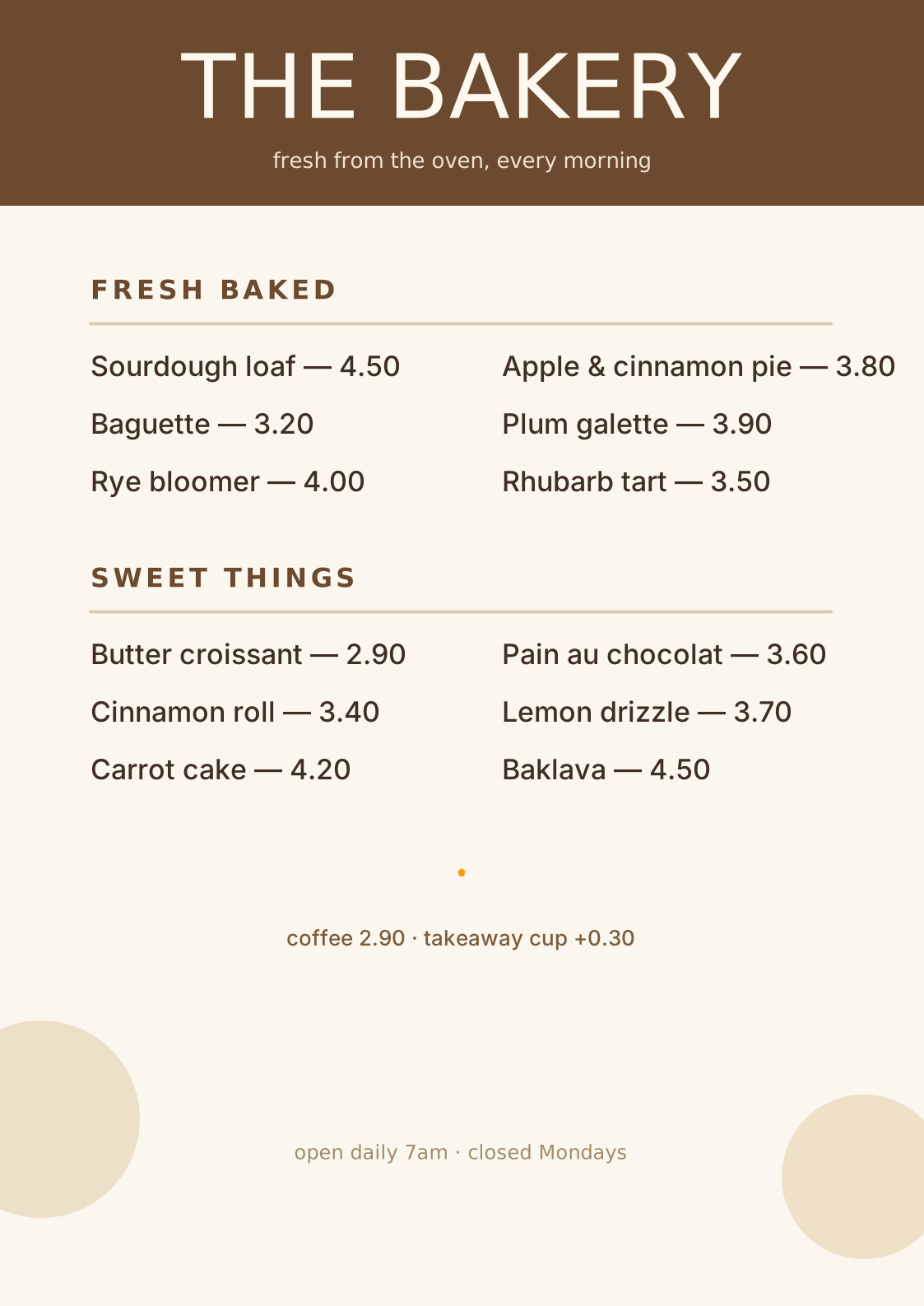
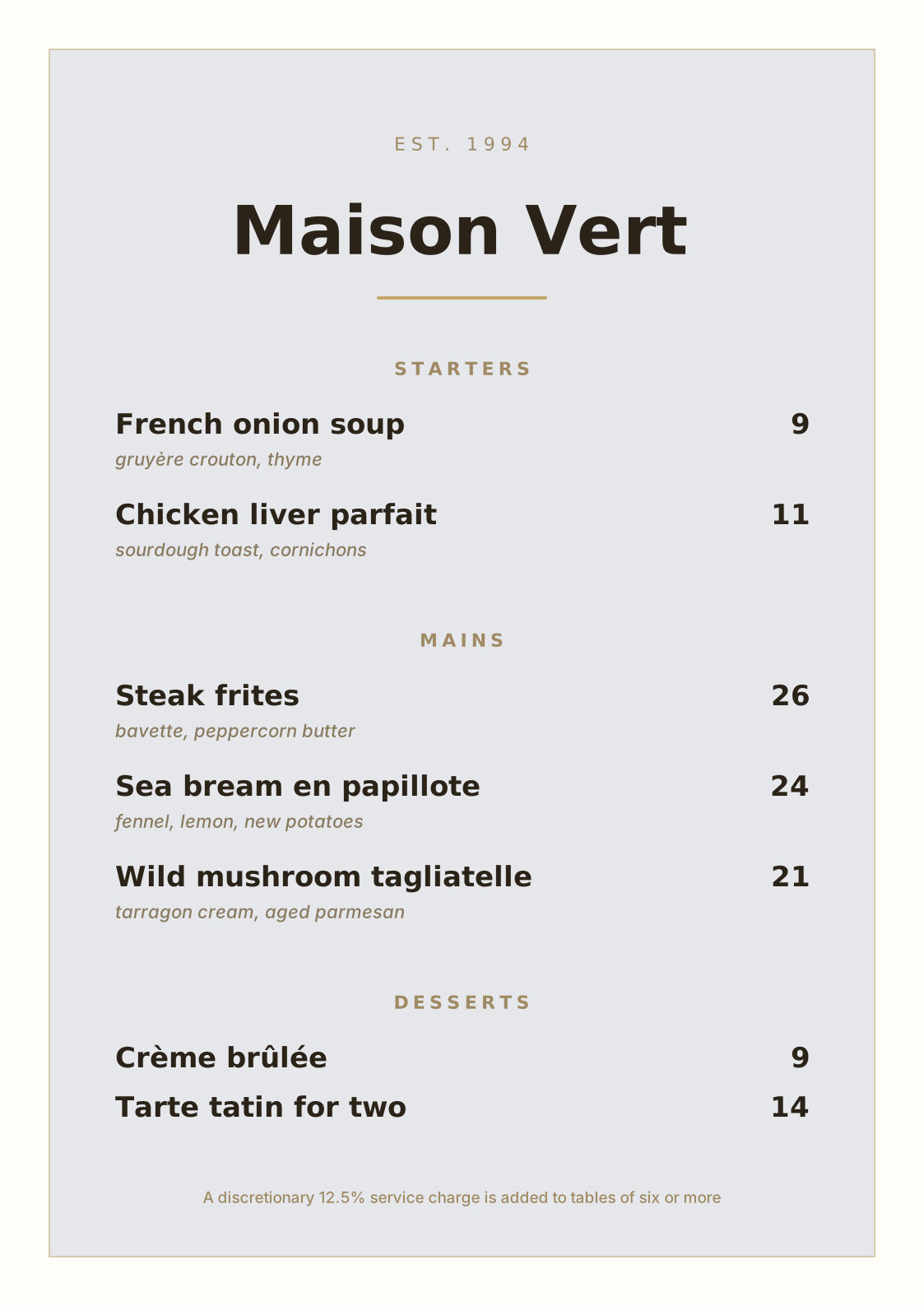
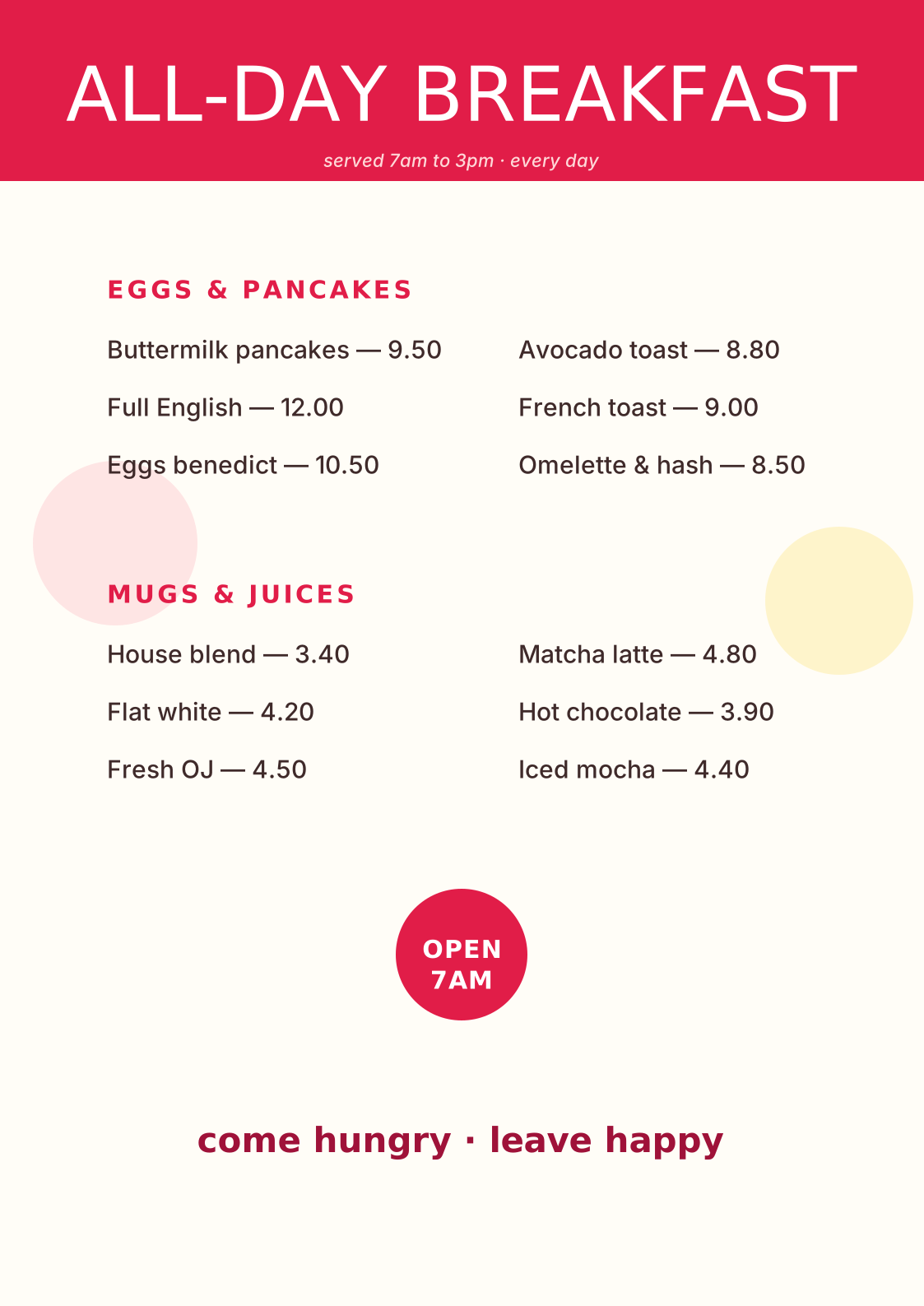
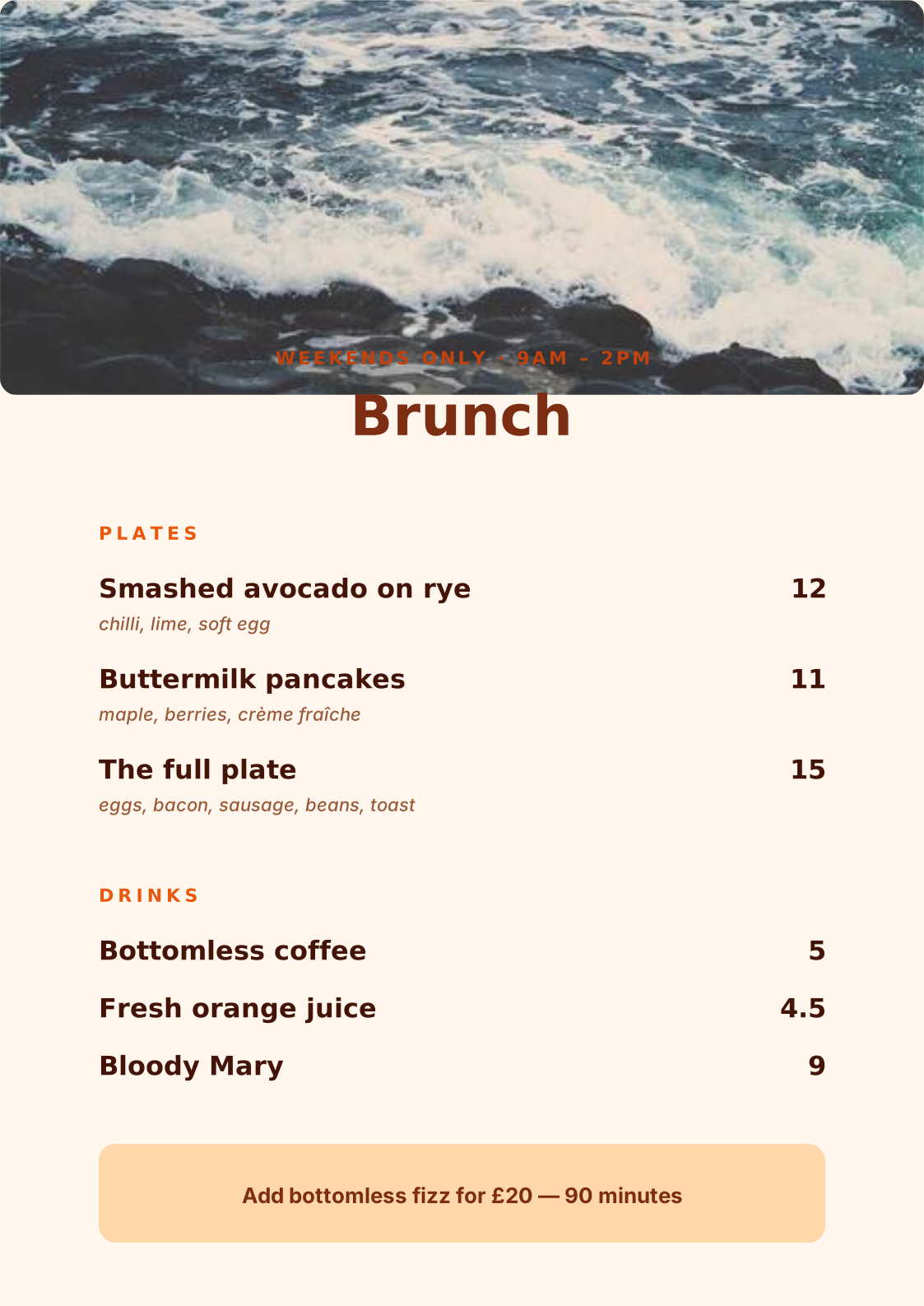
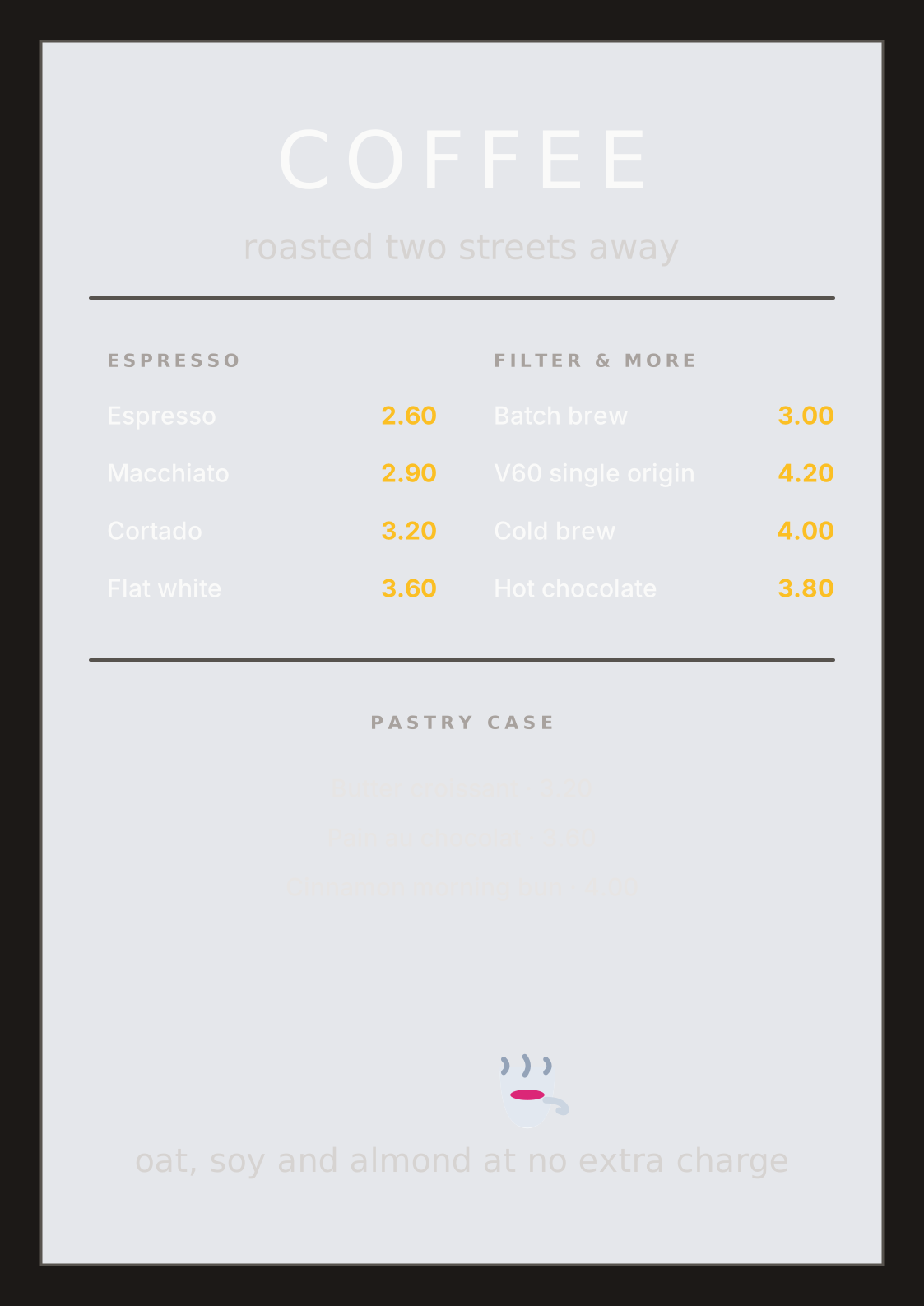
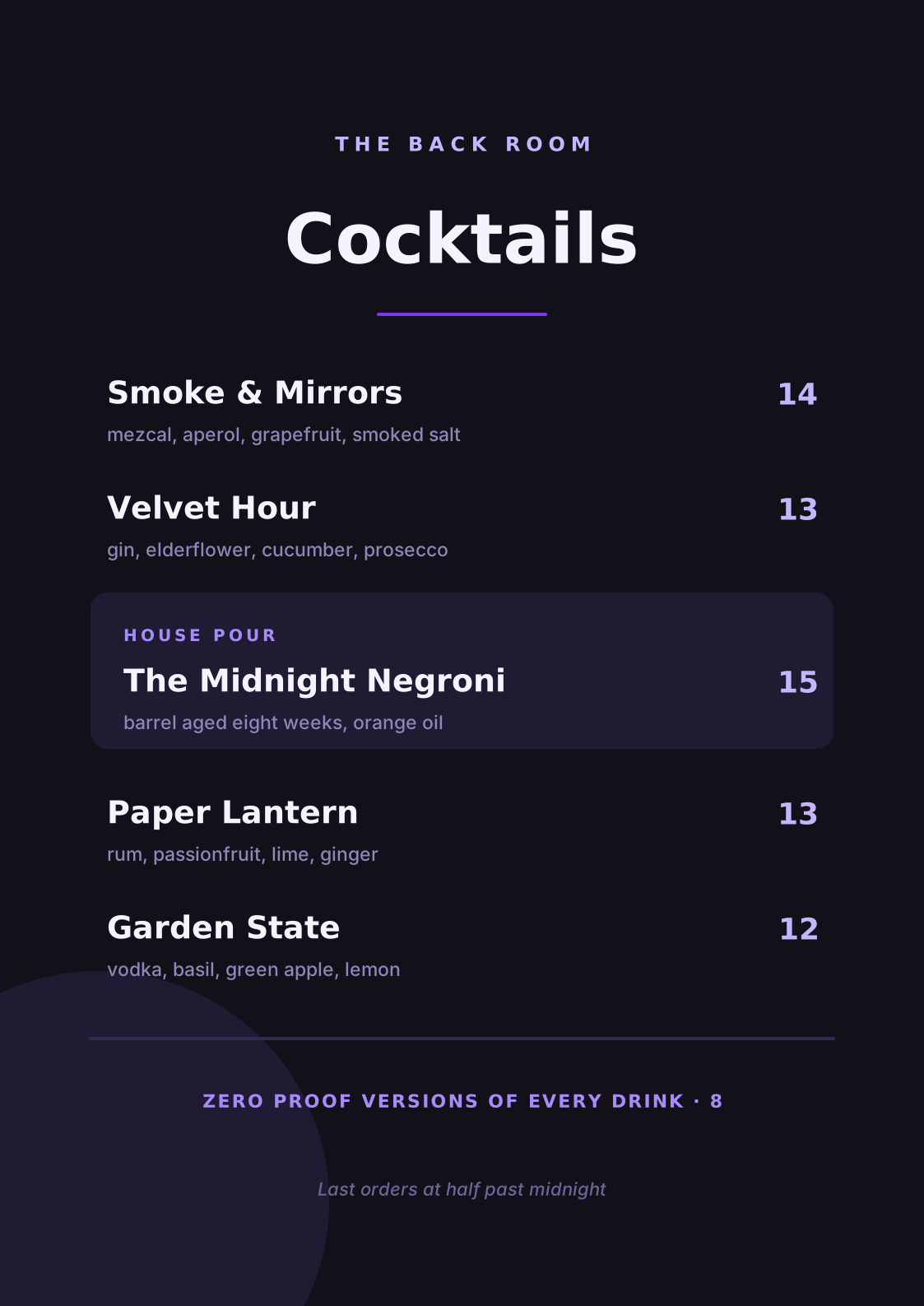
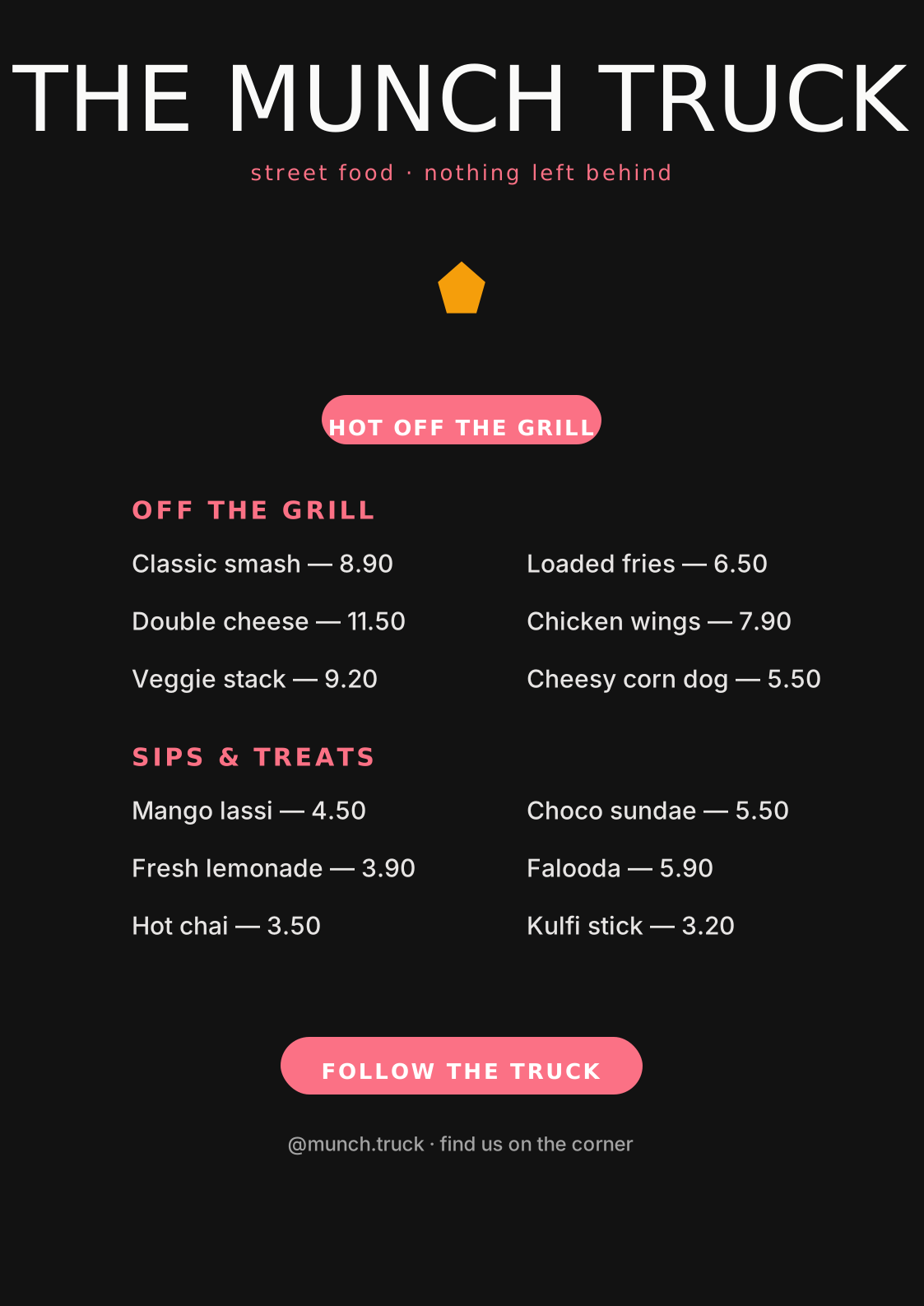
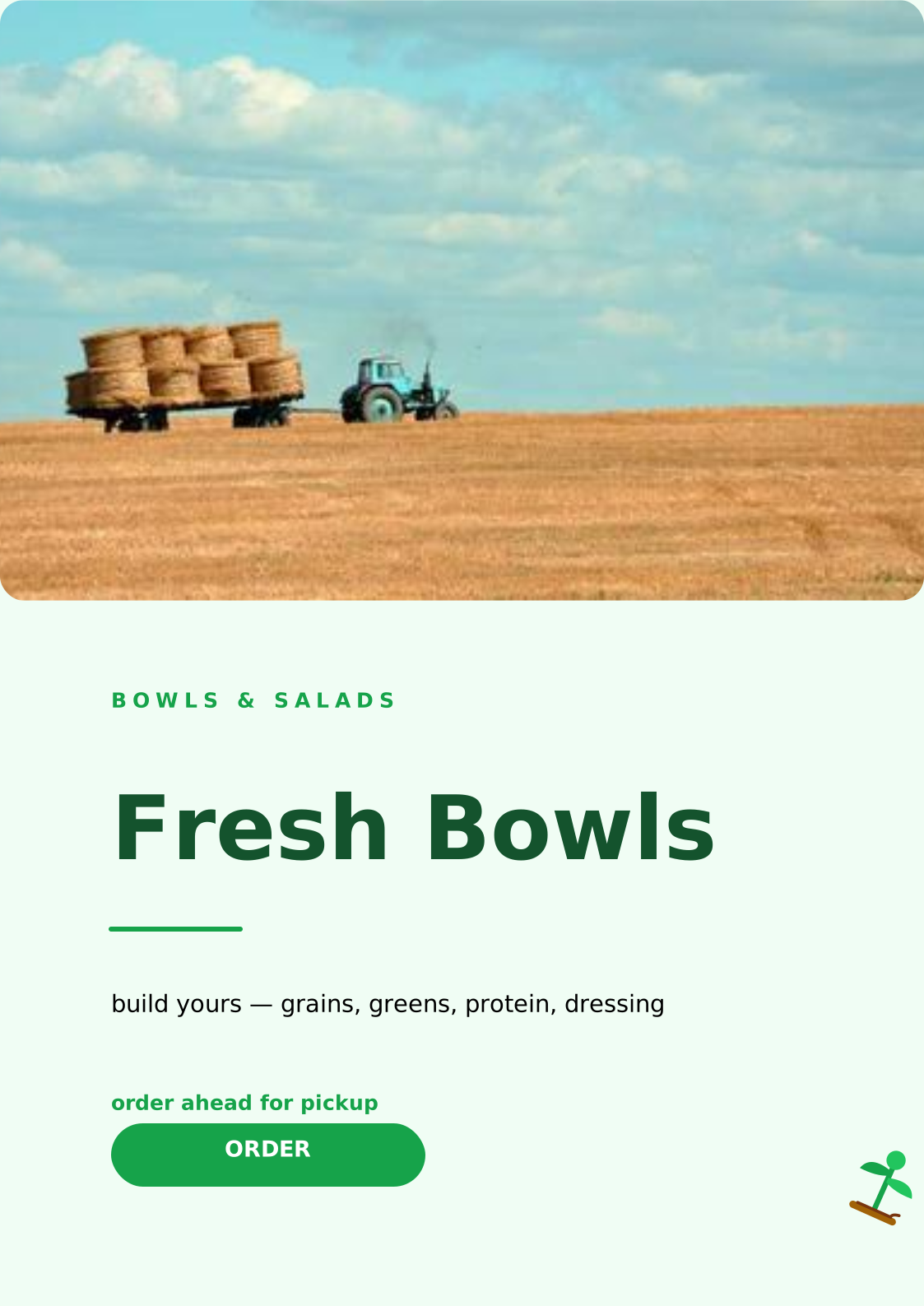
Build café, restaurant, bakery, or food-truck menus from editable templates — recolor seasonally, update prices in seconds, and print crisp copies anytime.

How it works

Create a menu in 3 steps

1

Choose a template

Start from layouts for single-page, bi-fold, or rack-card menus.

2

Add dishes & prices

Type your sections and items, align prices cleanly, and highlight signature dishes.

3

Print & update

Export a print-ready PDF — and duplicate the design for seasonal specials later.

Why restaurants design menus with vedirea

  • Clean section grids diners can scan at a glance.
  • Price alignment tools keep every column tidy.
  • Recolor and rename for festivals and seasons in minutes.
  • Matching flyers and posters available in the same editor.
  • Print-ready PDF output — free, no watermarks.

Technical Specifications

Recommended Size A4 (210 × 297 mm) or 4 × 9 in rack card
File Formats Print-ready PDF, PNG
Pricing 100% Free (No Watermark)
Key Features Section layouts, price alignment grids, seasonal recoloring
Template library

Start from a ready-made template

Skip the blank canvas — open any template in vedirea and make it yours in minutes.

Design Advice

How to design like a professional

✦

Group Items into Sections

Use shapes and spacing to separate starters, mains, and desserts — diners scan in blocks.

✦

Highlight Profit Dishes

Box or star your signature items. Drawn attention sells more of what you want to sell.

✦

Align Prices Cleanly

Use dot leaders or right-aligned prices in a consistent column so the menu feels premium.

Frequently asked questions

Can I update my menu later?

Yes — designs auto-save to your account, so you can reopen, edit prices, and re-export anytime.

What menu sizes are supported?

A4, Letter, and custom sizes all work. Multi-page designs handle bi-fold and multi-panel menus too.

Your next design starts now.

Join thousands of creators making beautiful work with vedirea. Free forever. No credit card.